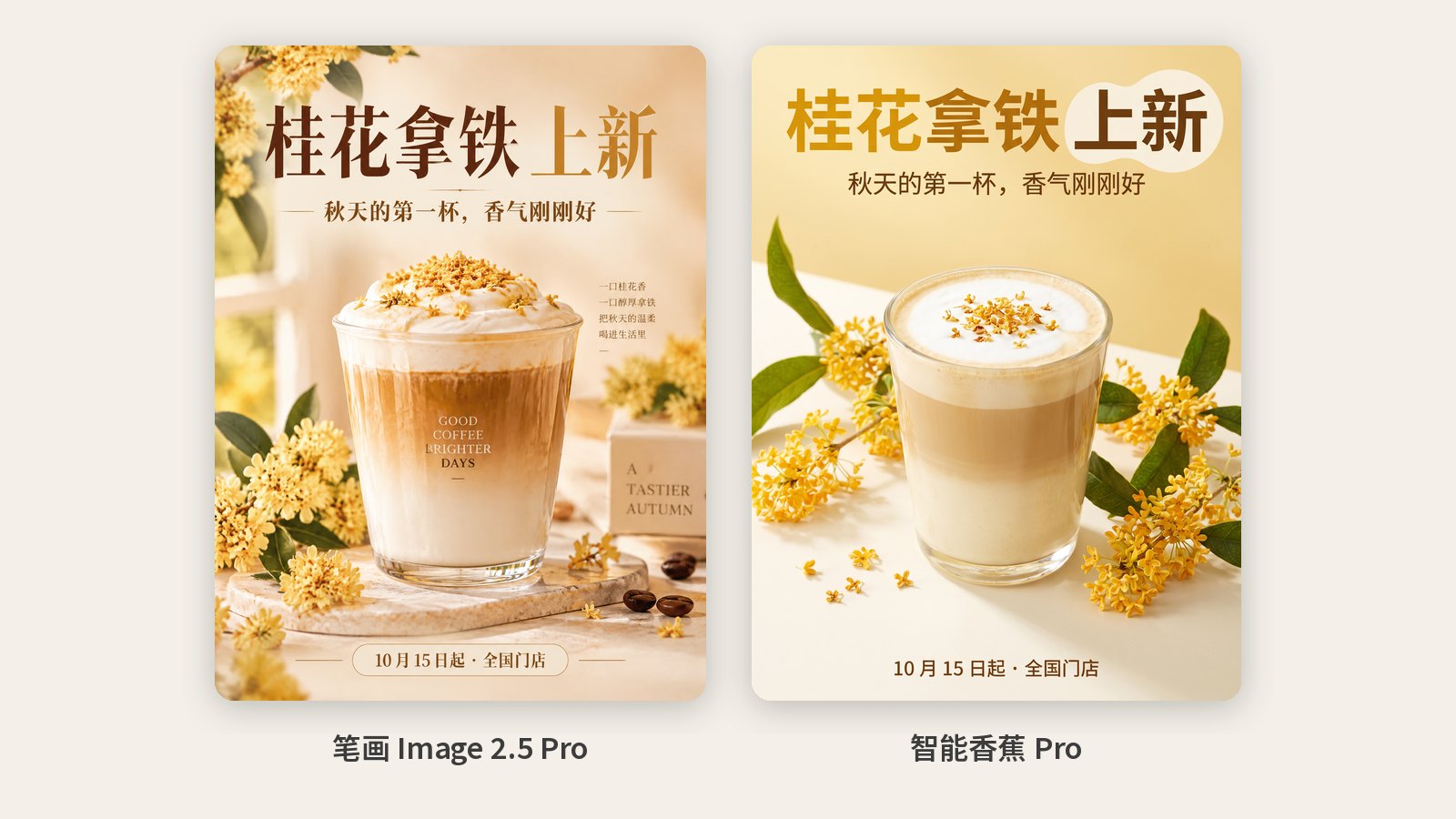
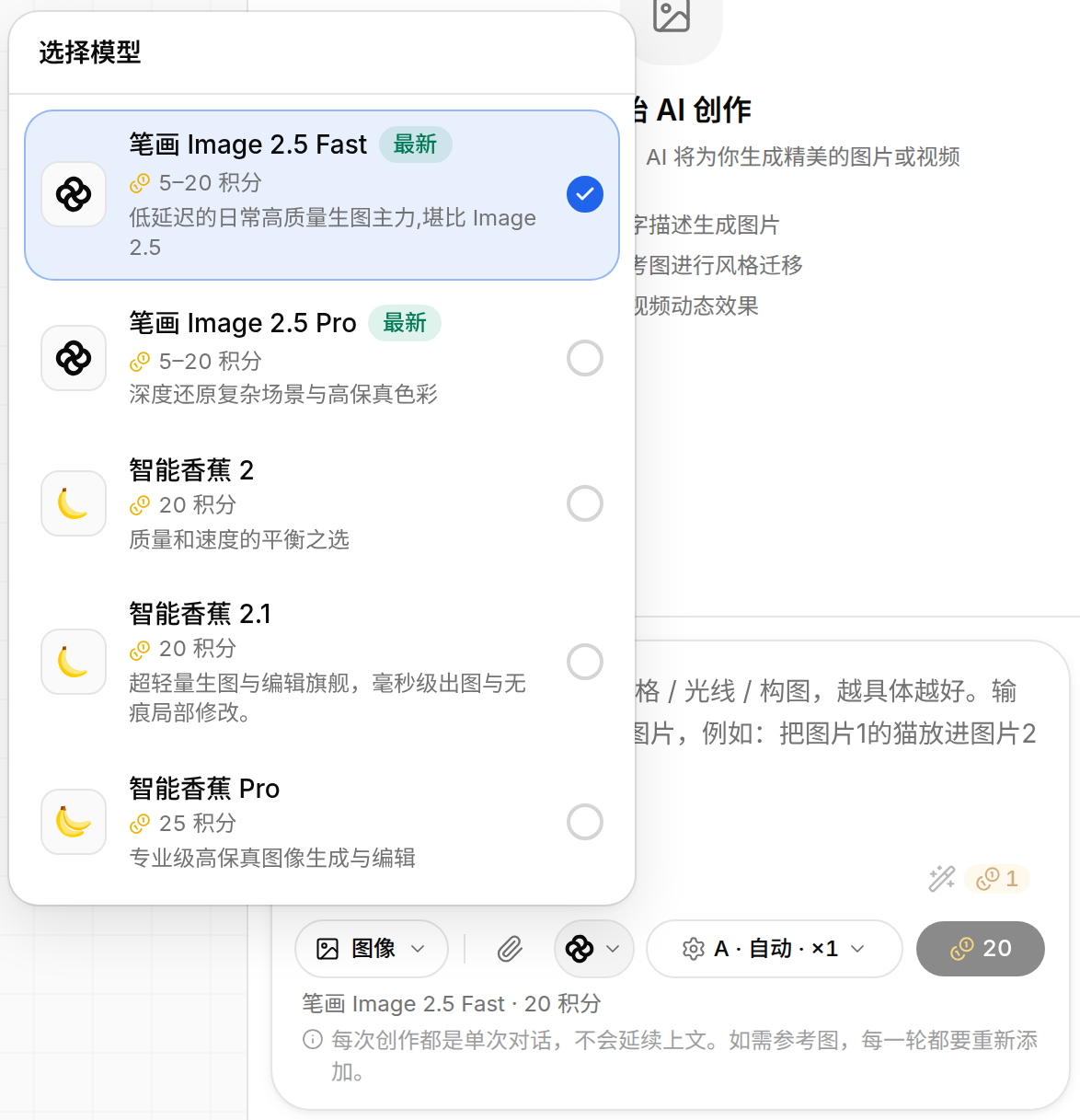
The short answer: Need transparent backgrounds, custom dimensions, or outpainting? Choose 笔画 Image 2.5. Need multiple reference images to keep a character consistent, extreme aspect ratios, repeated local edits, or want to spend fewer credits? Choose 智能香蕉. Both series can be selected directly from the 笔画AI model list.
The differences at a glance
| 笔画 Image 2.5 | 智能香蕉 | |
|---|---|---|
| Versions | Fast / Pro | 2 / 2.1 / Pro |
| Max reference images | 16 | 14 |
| Resolution | 1K / 2K / 4K | 1K / 2K / 4K |
| Custom pixel dimensions | Supported (multiples of 16, each side ≤ 3840) | Not supported |
| Extreme aspect ratios | Up to 21:9, within 3:1 | 2 and 2.1 support 1:4, 4:1, 1:8, 8:1 |
| Transparent background | Supported | Not supported (you can remove the background after generating) |
| Outpainting | Supported | Not supported |
| Quality level | Auto / Low / Medium / High | — |
| Thinking effort | — | 2.1 offers Fast / Balanced / Deep |
Credit costs compared
At November 2026 prices, the credit cost per image is as follows (see the pricing page for current prices):
| Model | 1K | 2K | 4K |
|---|---|---|---|
| 笔画 Image 2.5 Fast / Pro | 20 | 20 | 20 |
| 智能香蕉 2 | 8 | 8 | 8 |
| 智能香蕉 2.1 | 10 | 10 | 10 |
| 智能香蕉 Pro | 12 | 12 | 12 |
Neither series charges by resolution — 1K and 4K cost the same. 智能香蕉 costs 8–12 credits per image, cheaper than 笔画 Image 2.5 at 20 credits. If you just want to test directions on the cheap, you can also use 笔画 Image 2.6 Special Offer at 3 credits per image; see Drafting with the special offer.
Choosing by scenario
E-commerce product shots, logos, sticker assets: choose 笔画 Image 2.5. Transparent backgrounds come out in a single step, and custom dimensions give you exactly the pixel sizes platforms require.
A whole set of images of the same character (comics, IP characters, a model in multiple poses): choose 智能香蕉. It holds the character features in your reference images more reliably, especially when you @ mention several reference images.
Posters and designs with lots of text: either Pro version will do. We suggest generating one image from each with the same prompt and comparing.
Long images, banners, tall phone-format images: choose 智能香蕉 2 or 2.1 to get ratios like 1:4 and 1:8 directly.
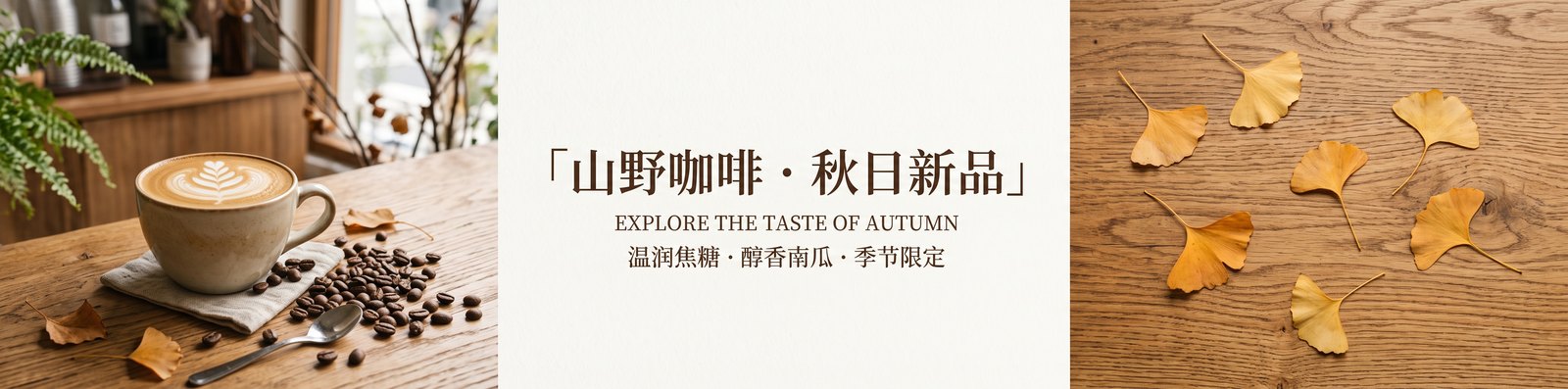
Image edits (swapping backgrounds or outfits, removing clutter): both support All-in-One Edit; 智能香蕉 2.1's local edits are cleaner and faster.
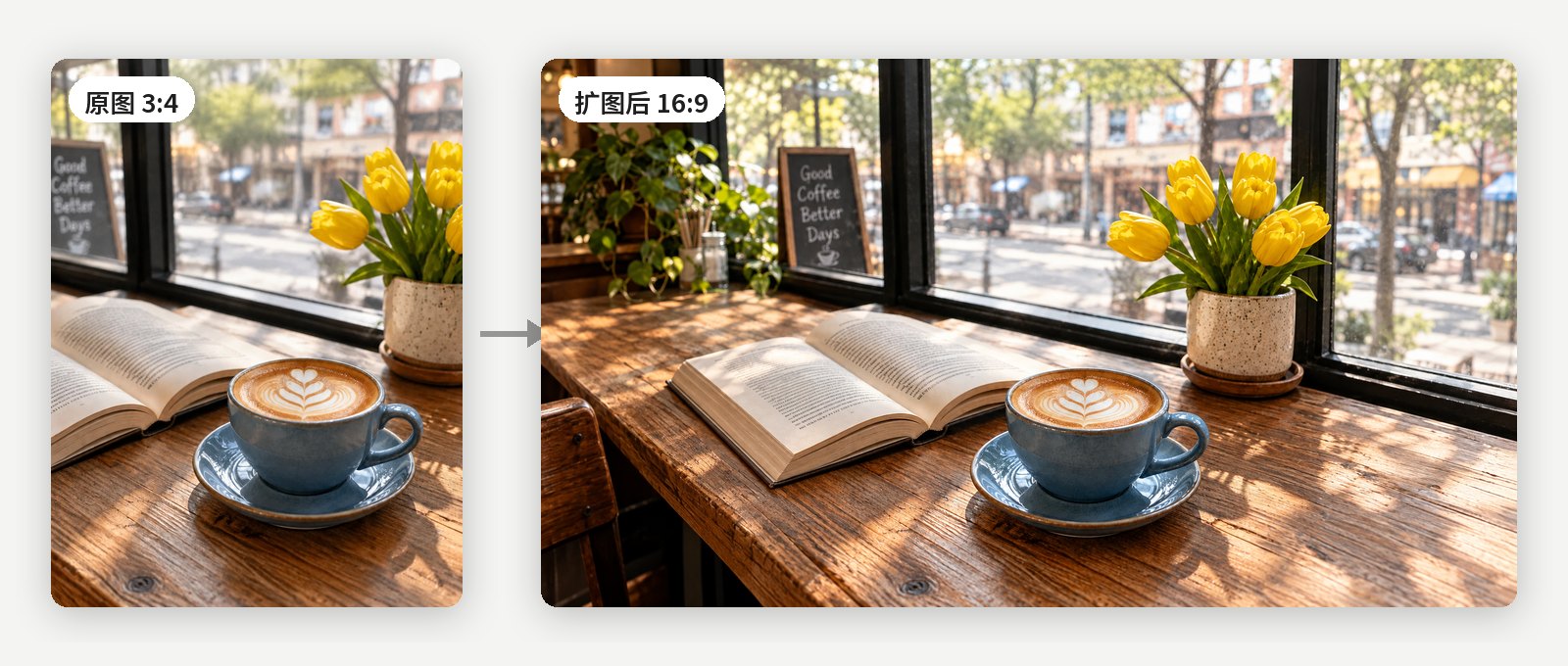
Expanding a portrait image into a landscape one: only 笔画 Image 2.5's "Outpainting" can do this.
A recommended combination
Many users work with both:
- Use 笔画 Image 2.6 Special Offer (3 credits per image) or 智能香蕉 2 to quickly generate 4–6 images and settle on a composition and style;
- Use the image you like as a reference and switch to 智能香蕉 Pro or 笔画 Image 2.5 Pro to produce the final 4K version;
- Refine the details with All-in-One Edit on the canvas, then export.
Everything stays on the same infinite canvas, so comparing and picking is easy.
Going deeper
You can try both models right after signing up for 笔画AI.